
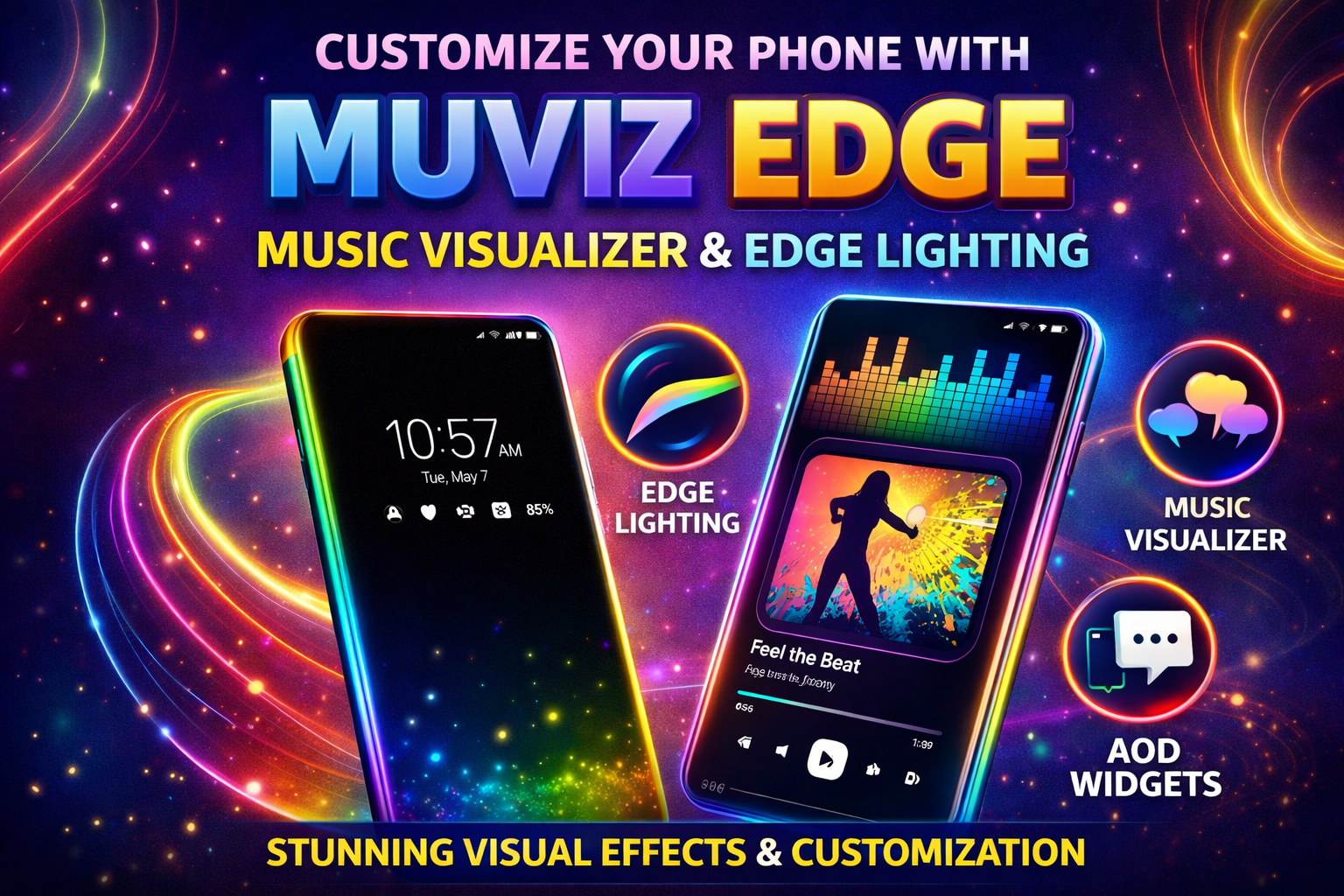
Muviz Edge Customize Your Phone with Edge Lighting & Music Visualizer
Muviz Edge App Customize Your Phone with Music Visualizer and Edge Lighting
Introduction
If you love customising your smartphone with unique visual effects, Muviz Edge is one of the best apps to try. This powerful Android customisation app adds beautiful edge lighting effects, music visualisers, and stylish Always-On Display widgets to your phone.
With this app, your smartphone screen becomes more dynamic and interactive. The lighting effects react to your music, notifications, and other activities, creating a visually impressive experience.
What is Muviz Edge?
Muviz Edge is an Android personification app that displays animated lighting effects around the edges of your phone’s screen. It also provides an Always-On Display (AOD) feature that shows information such as time, notifications, and battery status even when the screen is off.
The app is especially popular among users who enjoy customising their lock screen and making their device look unique.
DOWNLOAD
Key Features of Muviz Edge
1. Edge Lighting Effects
One of the main highlights of the app is its edge lighting feature. When you receive notifications or play music, colorful light animations appear around the edges of the screen.
You can choose from multiple styles such as waves, gradients, glowing patterns, and dynamic effects. The colors, speed, and intensity can also be customized according to your preference.
2. Music Visualizer
Another exciting feature is the music visualizer. The lights around the screen move and change according to the rhythm of the music playing on your device.
The visualizer works with most music apps, including streaming services and offline players, creating a mini light show on your phone screen.
3. Always-On Display Widgets
The app also includes Always-On Display (AOD) widgets that allow you to view important information without unlocking your phone.
You can display:
-
Clock and date
-
Battery percentage
-
Notifications
-
Custom widgets and themes
This feature is especially useful for phones with AMOLED or OLED displays because it consumes less power while still showing useful information.
4. Full Customization Options
Customization is one of the biggest strengths of Muviz Edge. Users can adjust various settings such as:
-
Lighting patterns
-
Animation speed
-
Color palettes
-
Notification styles
-
Display themes
You can even match the lighting color with the album art of the song you are playing for a more immersive experience.
5. Notification Edge Alerts
Instead of traditional pop-up notifications, the app can show subtle edge lighting effects when you receive calls, messages, or app alerts.
Different colors and patterns can be assigned to different apps, making it easy to identify notifications instantly.
Pros of Muviz Edge
-
Beautiful music visualizer effects
-
Highly customizable interface
-
Stylish Always-On Display themes
-
Works with most music apps
-
Enhances smartphone aesthetics
Conclusion
If you want to make your smartphone look stylish and interactive, Muviz Edge is definitely worth trying. With features like music visualizers, edge lighting notifications, and customizable Always-On Display widgets, it transforms the way your phone looks and feels.
Whether you are a tech enthusiast or someone who enjoys personalizing their device, this app can add a unique visual experience to your smartphone.


