

How to Download the MacOS Sierra Update
Apple finally reveals the official version of macOS Sierra which can be downloaded from here. The new macOS Sierra brings an overall improvement to the existing Apps like Photos, Maps etc and does enhance the performance of the Multi Tasking feature. You can follow the steps mentioned below to install the macOS Sierra on your macbook. The Size of the file is around 4.77 GB and the version is 10.12
Features:
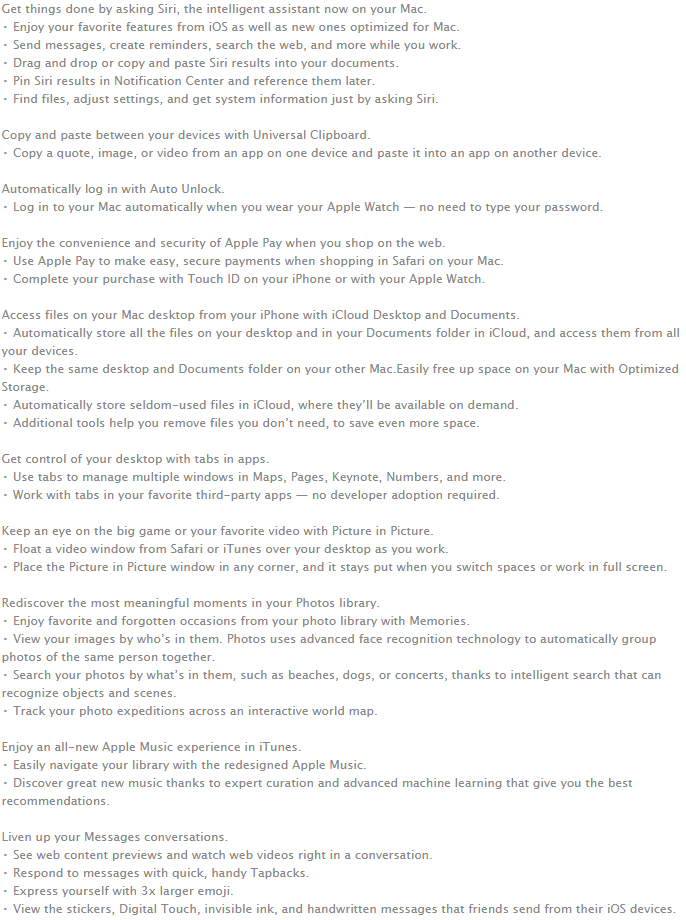
How to Download the MacOS Sierra Update
Step 1: Open the Mac App Store on your Macbook.
Step 2: Now click on Continue button where you need to accept the terms and conditions later and download the file.
Step 3: Once the file is downloaded, you need to click on the installed file and the installation procedure will proceed automatically and macOS Sierra is installed on your device.
Note:


