
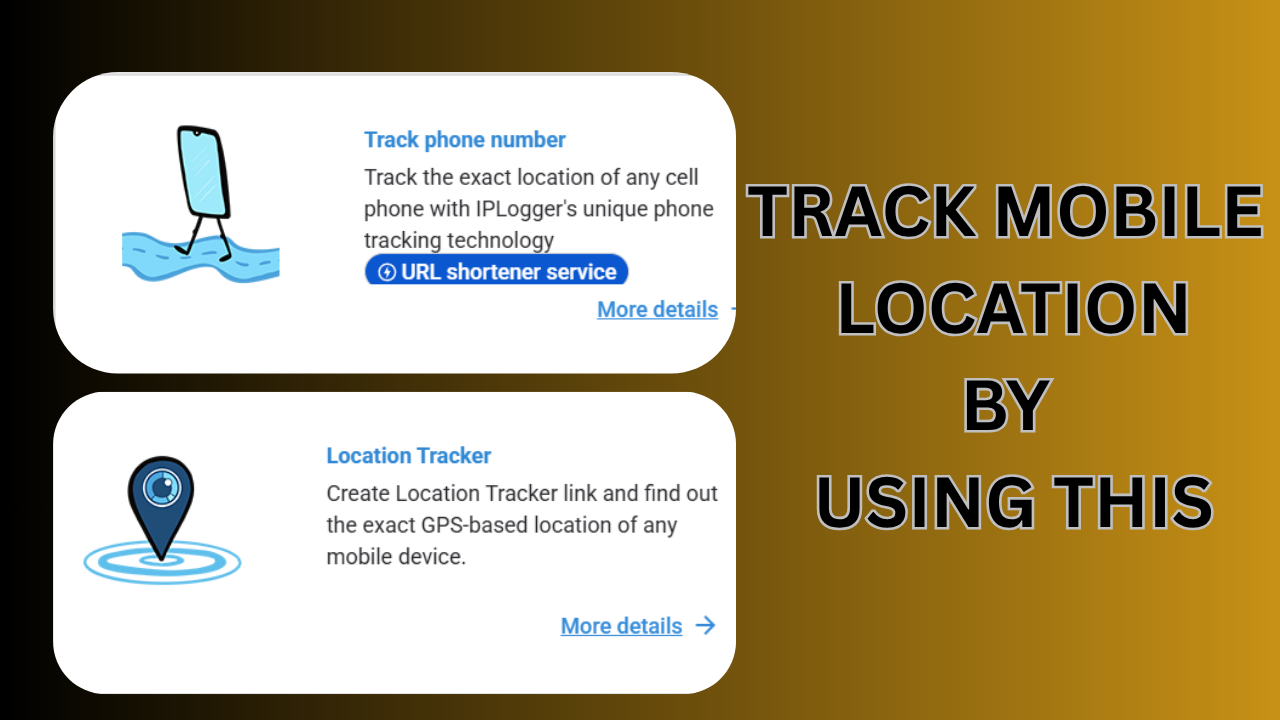
TRACK YOUR MOBILE LOCATION
What it is
IPLogger is a URL-shortening / IP-tracking service that creates special short links (and “loggers”) which record visitor data when someone clicks them. Creators get analytics for each click (IP address, approximate geolocation, device/agent details, visit time, etc.).
How it works
-
You paste a target URL into IPLogger and it returns a short/tracking link.
-
When someone clicks that link, IPLogger logs the click and stores the requester’s IP and metadata; the visitor is then redirected to the final URL.
-
The creator can view analytics and optionally enable “SMART” or GPS collection for more detailed info.
Is it malicious
-
The service itself is a tracking tool and can be used for legitimate analytics or security testing, but it’s often abused for doxxing, phishing, social-engineering, or other malicious activity. Some security-reputation providers flag the domain for high abuse risk. Using trackers without consent can be illegal in many jurisdictions (GDPR and other data-protection laws may apply). Their terms warn they will block/act against illegal misuse.
DOWNLOAD
-
How to spot
-
Shortened links with unknown domains (or iplogger-looking slugs) are suspicious.
-
Use a link-expander / URL-checker (IPLogger offers a URL checker feature to reveal redirects and flagged safety issues). Security tools and sandboxes may show if a domain is linked to abuse.
-
Ethical
Using IP logging on people without informed consent is ethically dubious and may be illegal depending on where you and the target are located. If your goal is legitimate (analytics, security testing), obtain permission and follow data-protection rules (privacy notice, minimal data retention, etc.). Their site itself warns against illegal uses.
-
Exactly what data can be captured
When someone opens an IPLogger link it can collect (typical list):
-
IP address (public IP seen by the server).
-
Approximate geolocation based on IP (country / city accuracy varies).
-
ISP / ASN (who provides the IP).
-
User-Agent string (browser, OS, sometimes device).
-
Referrer / full redirect chain (if present).
-
Cookies / site-tracking data if the user accepts/has cookies enabled (IPLogger sets cookies per its Cookies policy).
-
(Optional) More precise location — if the victim’s browser/device is tricked into granting location access or the user clicks through a specially crafted page, the service claims to provide a GPS-style location. But that generally requires the device to reveal geolocation or for the attacker to combine IP with other signals
-
Site policies, takedown & GDPR claims
-
Their Terms / Rules explicitly forbid collecting info about other people without prior consent and say they’ll act on abuse reports. They provide an abuse contact and a form to remove records.
-
The site also posts pages claiming GDPR compliance, but that is a self-statement — if you have a legal question (e.g., whether using the service for a particular tracking activity complies where you live), treat their claim as promotional and consult a lawyer or local regulator
