
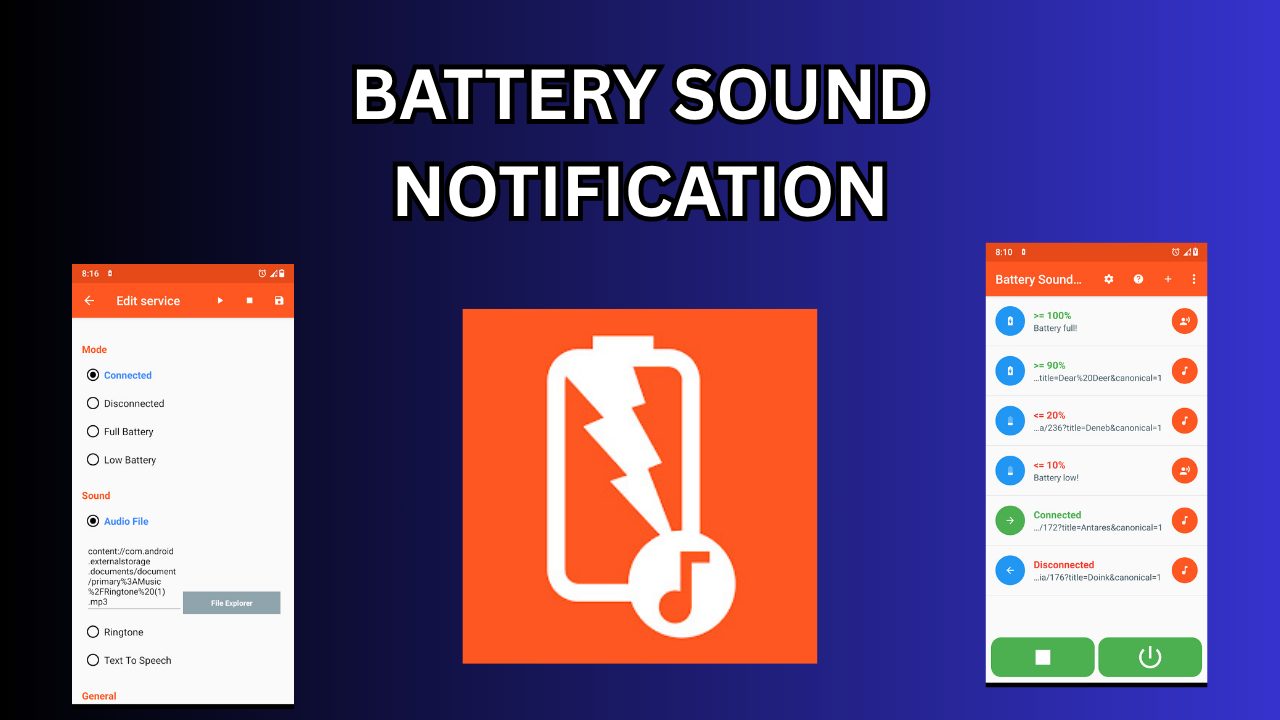
BATTERY SOUND NOTIFICATION
Introduction
In the modern smartphone world, battery management is one of the most important aspects of daily use. Whether you use your phone for work, study, gaming, or entertainment, keeping track of battery levels is essential. While smartphones already have visual indicators to show battery percentages and notifications, many users prefer something more noticeable and practical a Battery Sound Notification.
A Battery Sound Notification App is a smart tool that notifies the user with a sound, vibration, or voice alert whenever the phone’s battery reaches a specific level either high or low. For example, when your battery drops below 20%, you may hear a “Battery low” sound, and when it reaches 100%, you may get a Charging complete notification. These apps are extremely helpful for people who want to protect their device’s battery health, avoid overcharging, or simply get notified hands-free without looking at the screen.
What Is a Battery Sound Notification App
A Battery Sound Notification App is a utility software that monitors the phone’s battery status in real-time and plays custom sounds when certain battery events occur. These events may include:
-
Battery fully charged (100%)
-
Battery low (below 15% or 20%)
-
Charging started
-
Charging stopped
-
Battery overheating warning
-
Battery health condition change
How Battery Sound Notification Apps Work
Battery sound notification apps work by continuously monitoring the battery level and charging status of your device using system APIs (Application Programming Interfaces).
Here’s how the process generally works:
-
Battery Monitoring:
The app runs a lightweight background service that listens to Android’s “Battery Manager” or iOS equivalent, which provides battery percentage, temperature, and charging state. -
Event Triggers:
The user defines thresholds — for example:-
Play sound when battery = 100%
-
Play sound when battery = 15%
-
Speak alert when charger is connected/disconnected
-
-
Sound/Voice Execution:
When the event condition is met, the app plays a predefined or custom sound, text-to-speech message, or even vibration. -
Customisation and Profiles:
Many apps allow multiple profiles — such as “Night Mode,” “Work Mode,” or “Gaming Mode” — each with different alert tones or volume levels. -
Power Efficiency:
The best apps use minimal background processing to avoid draining battery power while monitoring it.
DOWNLOAD
Benefits of Using a Battery Sound Notification App
-
Battery Life Protection
Frequent alerts at proper intervals prevent both overcharging and deep discharge. -
Hands-Free Information
You can be informed about the charging status without touching your phone. -
Energy Efficiency
By unplugging on time, you save electricity and reduce heat. -
Improved Device Performance
A healthy battery ensures stable performance and longer device lifespan.
How to Use a Battery Sound Notification App (Step-by-Step)
-
Install the App:
Download from Google Play Store or Apple App Store. -
Allow Permissions:
Grant permission to access battery status, notifications, and sound controls. -
Set Battery Levels:
Choose the battery percentages for low and high alerts (e.g., 15%, 100%). -
Select Sound or Voice:
Pick your preferred tone, or use text-to-speech for spoken alerts. -
Enable Background Service:
Allow the app to run in background so it can monitor battery continuously. -
Test Alerts:
Charge or discharge your device to ensure notifications work properly. -
Adjust Settings:
Customize volume, silent hours, and vibration options as needed.
Integration with Smart Devices and Automation
Modern phones and apps support smart charging automation using apps like Tasker or IFTTT. For example:
-
Create a rule that plays sound on Bluetooth speaker when charging completes.
-
Send SMS or notification to another phone when battery is low.
-
Use Google Assistant to announce “Battery is 50%” every morning.
These features transform simple sound alerts into part of a smart ecosystem, especially for smart homes or workstations.
Future of Battery Sound Notification Technology
With advancements in AI and IoT, future battery notification systems will become even smarter. Possible developments include:
-
AI-based Smart Alerts: Predictive alerts based on your usage patterns.
-
Voice Integration: Deeper integration with Siri, Google Assistant, or Alexa.
-
Wireless Charging Control: Sound alert when wireless charging alignment is perfect.
-
Adaptive Charging: Automatically slows down charging when near 100%.
-
Cross-Device Alerts: Receive notifications on your smartwatch or smart TV when your phone’s battery is full.
A Battery Sound Notification App is not just a small utility it’s a smart assistant that helps users maintain battery health, improve convenience, and protect their devices from overcharging or deep discharging. It’s particularly beneficial for busy individuals, elderly users, or those who depend on their devices throughout the day.
Whether it’s a simple alert when charging completes, a voice announcement of your battery percentage, or an AI-powered prediction of charging time, these apps add comfort, efficiency, and safety to everyday smartphone use.

